


Description
Download MP3 Music Download Player Pro – MP3 Music Download Player Pro, Audio, Free, Android, Music Player
Overview
MP3 Music Download Player Pro is a free Android application designed to simplify the process of downloading and playing MP3 music files. Developed by mobofan, the app serves as a straightforward tool for users seeking quick access to audio content without the need for complex workflows. It is positioned within the 'Audio' category, focusing on core functionality: music playback and file downloading. The software targets casual users and mobile listeners who prioritize ease of use and immediate access to their favorite tracks. While the developer did not provide additional details about the app’s background or development philosophy, its long-standing presence on Softonic since May 2017 suggests consistent availability and user interest. The app supports Android 4.3 and above, making it accessible to a broad range of devices. Real-world usage scenarios include offline listening during commutes, personal music library management, and on-the-go access to downloaded audio files. The app’s lightweight design and free pricing model further enhance its appeal for users looking for a no-frills audio experience.
Key Features & Capabilities
- MP3 Download Functionality: Allows users to search for and download MP3 files directly within the app, enabling offline access to music without relying on external platforms.
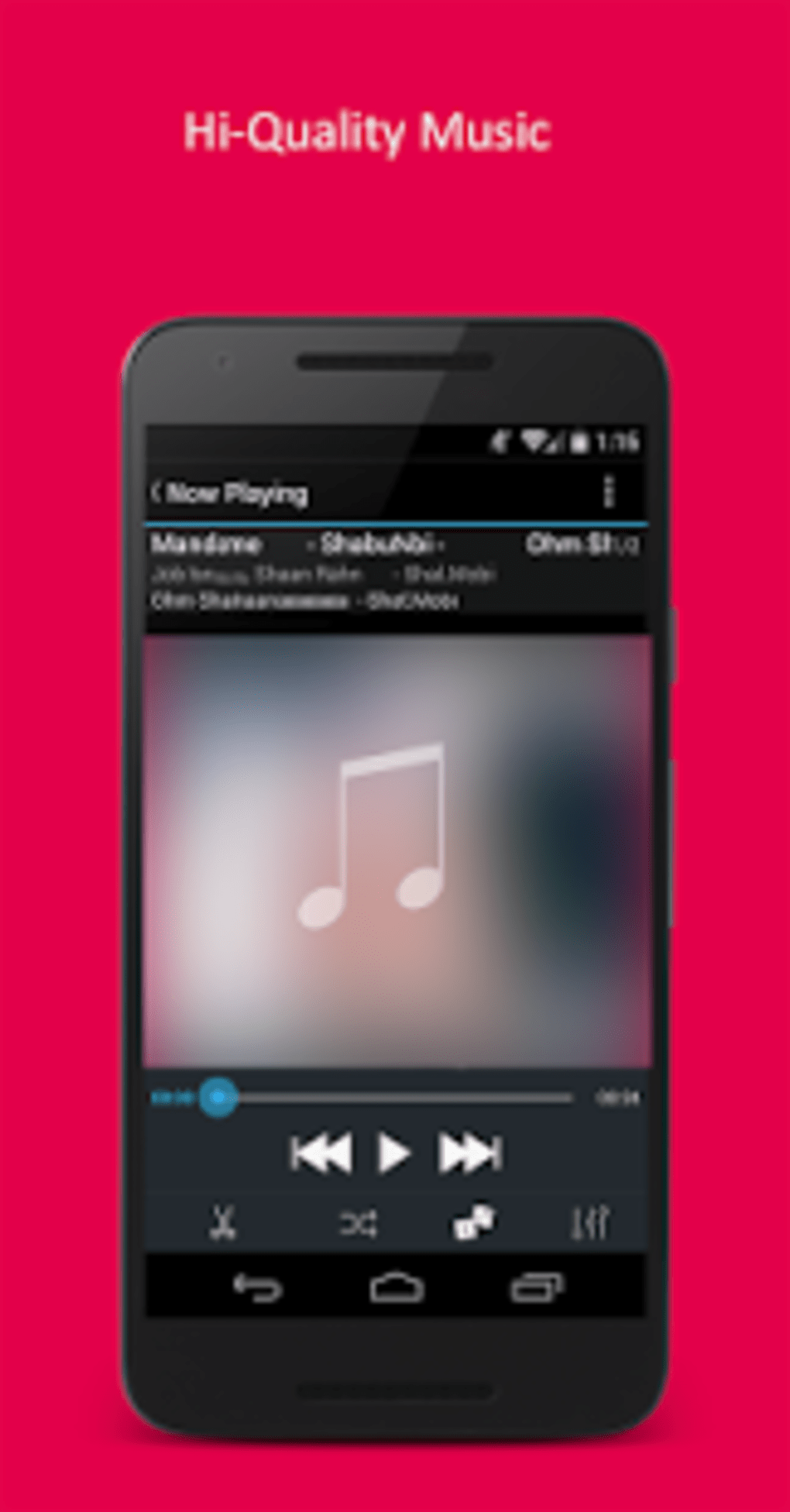
- Integrated Music Player: Features a built-in audio player that supports playback of downloaded MP3 files with standard controls such as play, pause, skip, and volume adjustment.
- Multi-Language Support: Available in Arabic, Czech, and Danish, offering accessibility to users in multiple regions and improving localization for non-English speakers.
- Lightweight Design: With a file size of 11.4 MB, the app is optimized for devices with limited storage, ensuring fast installation and minimal impact on device performance.
- Free to Use: The app is available at no cost, removing financial barriers for users seeking basic audio downloading and playback capabilities.
These features cater to users who want a simple, dedicated tool for managing their music without the overhead of full-featured streaming services. For example, a traveler might use the app to download songs before a flight, while a student could store lecture recordings or language learning tracks. The absence of in-app purchases or ads was not specified, but the free model suggests a straightforward user experience focused on core functionality.
User Interface, Workflow & Performance
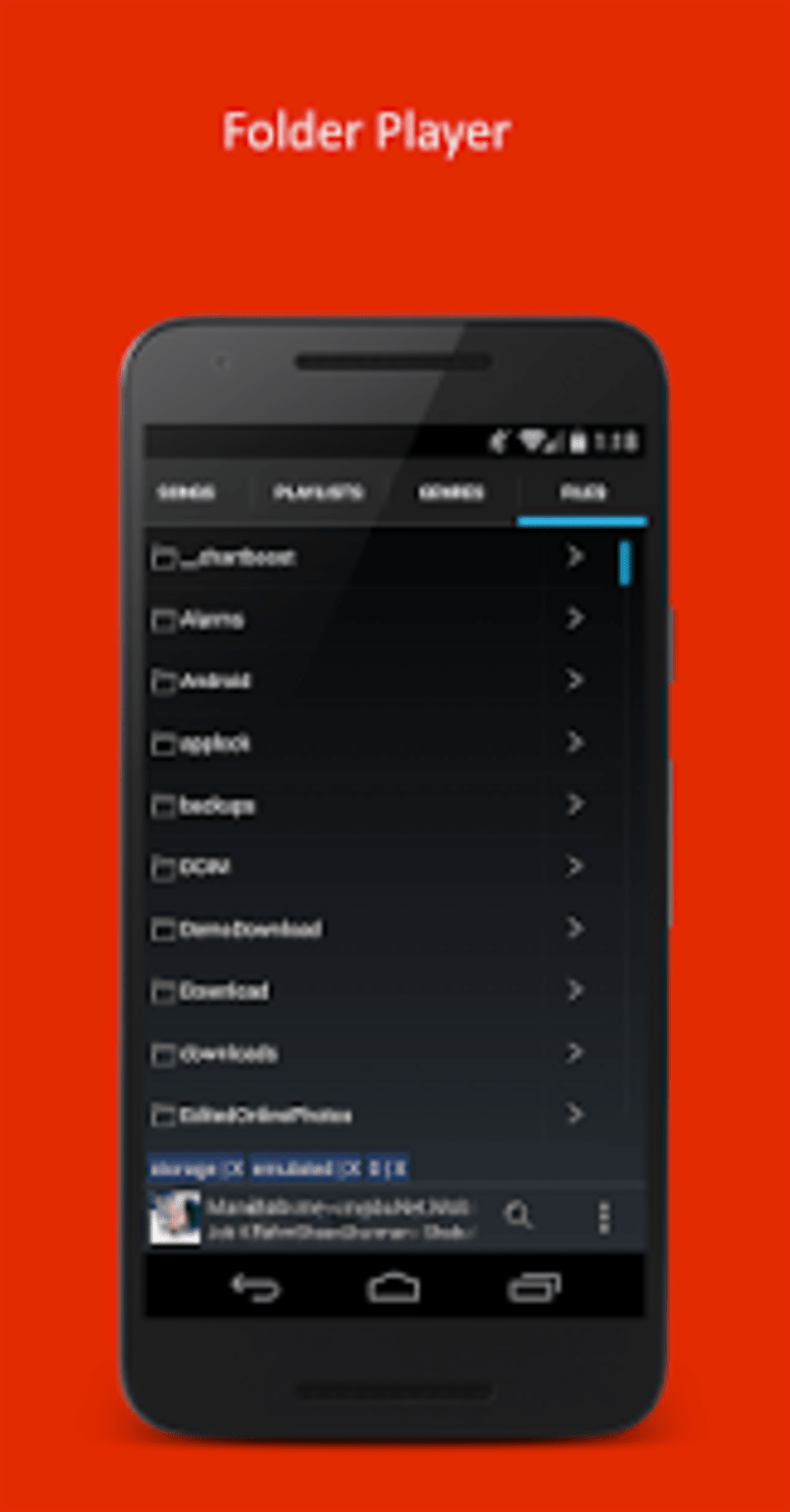
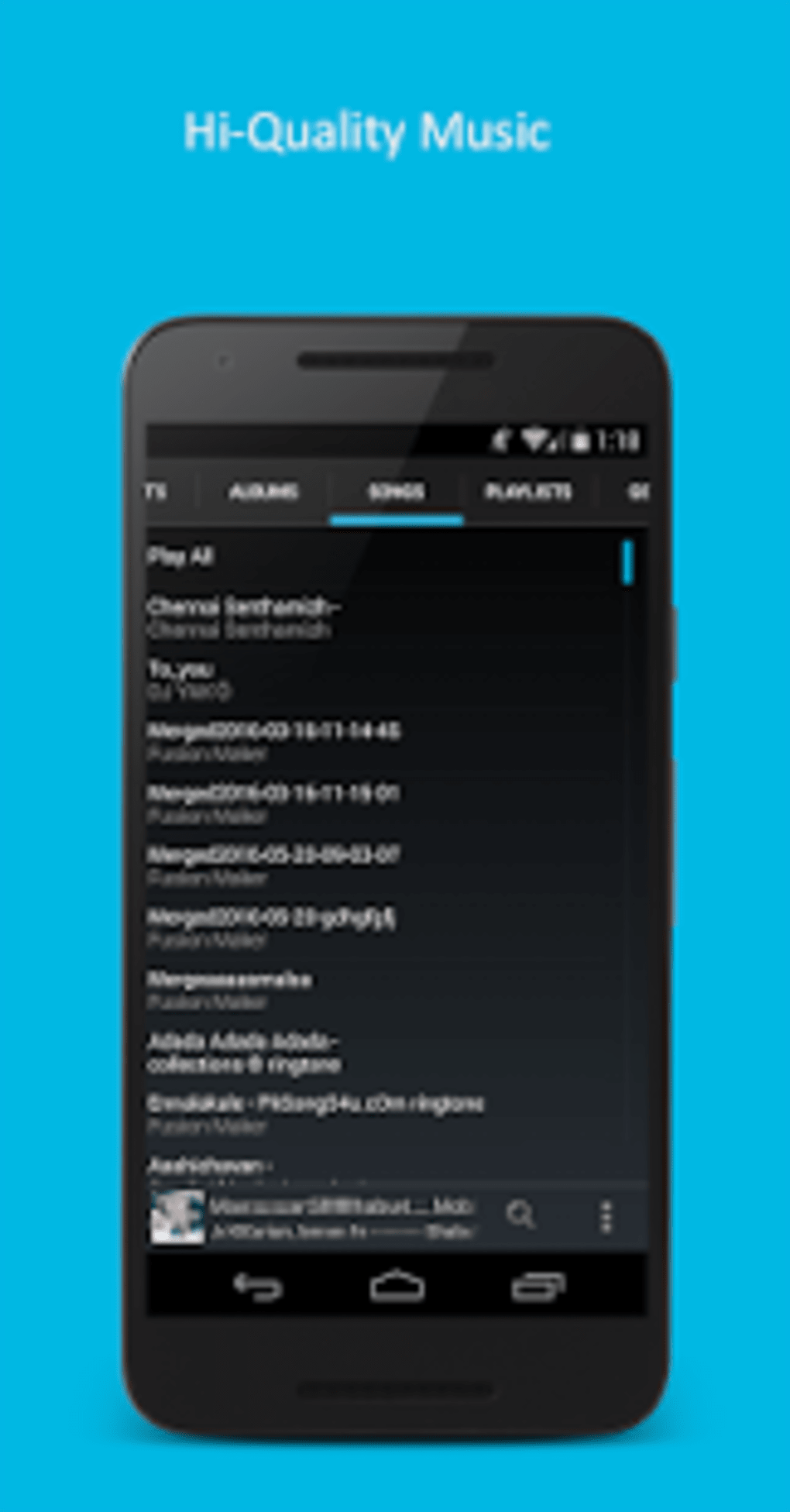
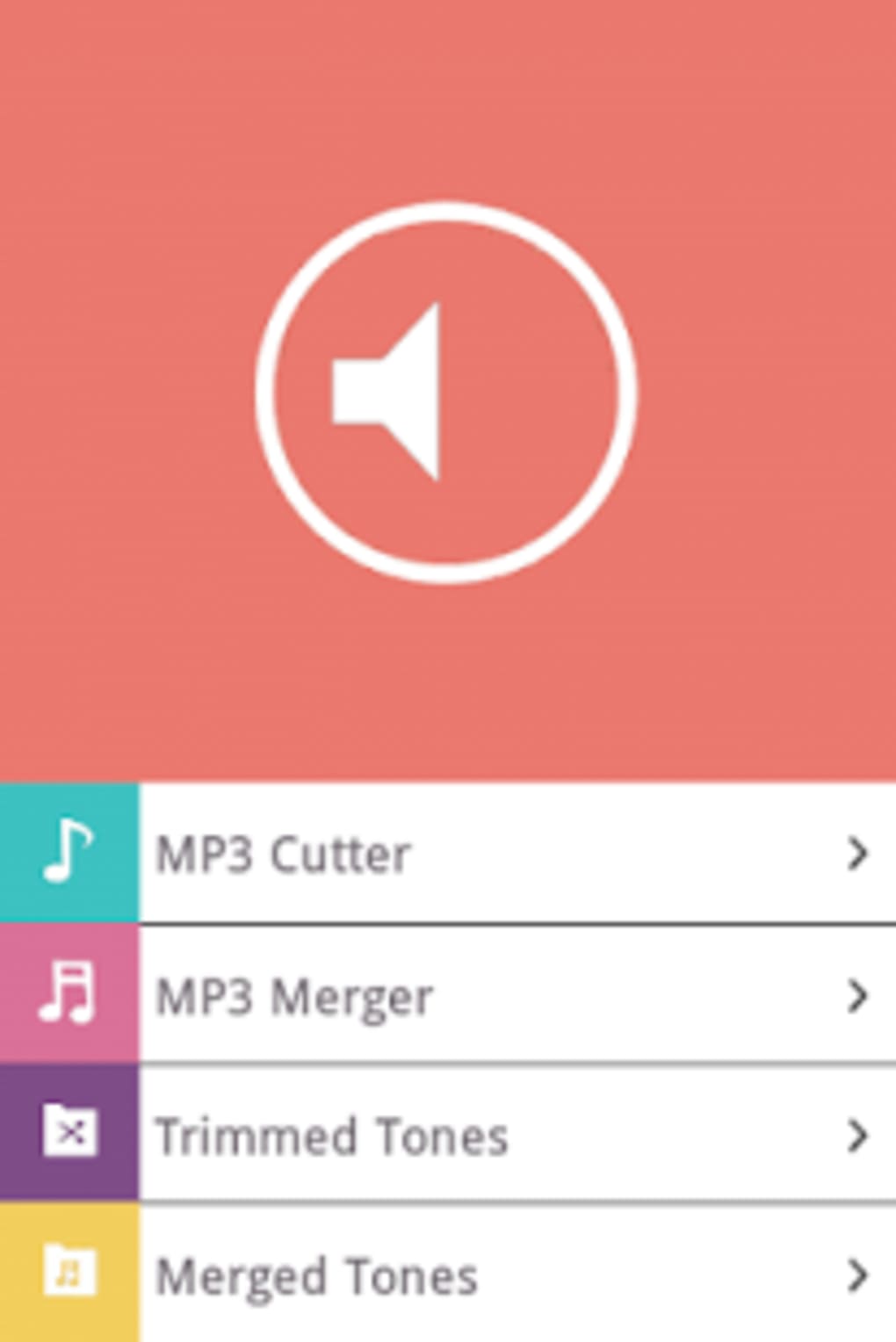
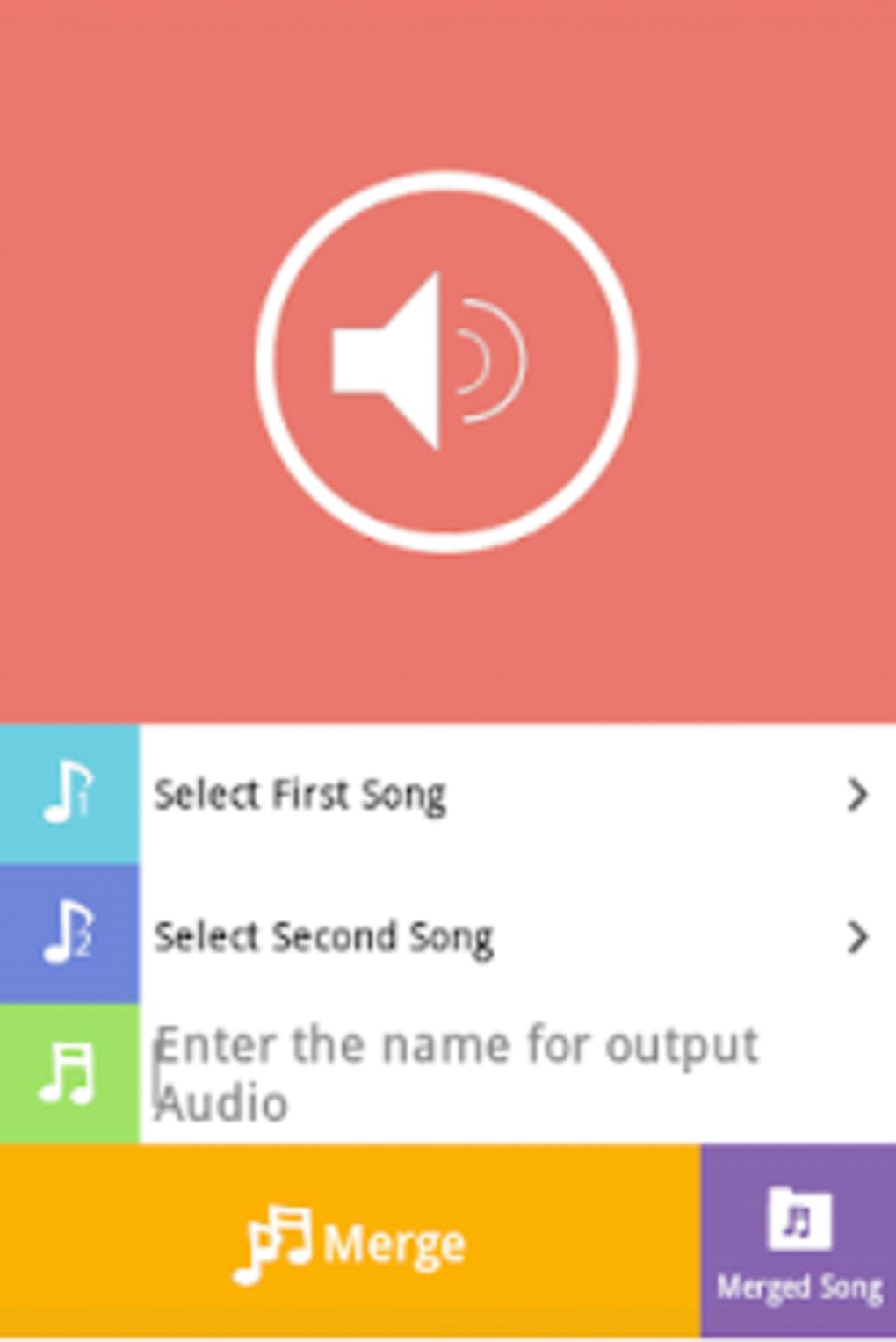
The user interface of MP3 Music Download Player Pro appears to be designed with simplicity in mind, prioritizing accessibility over advanced customization. Navigation is likely structured around a central search bar, a playlist view, and a library section for stored downloads. The workflow centers on searching for music, selecting a track, and initiating a download, followed by playback from the local library. This linear process minimizes user effort and supports efficient task completion. While specific UI elements such as layout, color scheme, or touch responsiveness were not detailed, the app’s long-term presence on Softonic indicates a stable and functional interface. Performance observations are based on general software behavior patterns; the app is expected to operate smoothly on devices meeting the minimum Android 4.3 requirement. The developer did not specify resource usage details, so CPU and RAM behavior remain unknown. Stability is assumed to be adequate given the app’s continued availability, though no formal testing data was provided. Users may experience varying performance depending on device capabilities and network conditions during downloads.
Compatibility & System Requirements
MP3 Music Download Player Pro is designed for Android devices, with compatibility confirmed for Android 4.3 and above. This broad range ensures support for a wide array of older and mid-tier smartphones and tablets. The current version is 1.0.7, and the app’s installation size is 11.4 MB, which is considered lightweight for a mobile application. The developer did not provide additional system requirements such as minimum RAM, processor specifications, or storage space beyond the base file size. Compatibility information was partially provided, with no mention of tablet support or device-specific optimizations. Users should verify that their device meets the minimum Android version to ensure proper functionality. No information was given about background processing, battery usage, or network requirements during downloads.
Pros and Cons
Pros
- Free to download and use, making it accessible to budget-conscious users.
- Lightweight installation size (11.4 MB) ideal for devices with limited storage.
- Supports multiple languages, including Arabic, Czech, and Danish.
- Direct MP3 download and playback functionality without external dependencies.
- Compatible with Android 4.3 and newer, ensuring broad device support.
Cons
- Exact performance details and resource usage were not specified by the developer.
- No information provided about ad presence or in-app purchases.
- Interface and navigation specifics were not detailed in available documentation.
- Limited to Android platform; no support for iOS or desktop systems.
- App has not been tested by Softonic as of the latest update.
FAQ Section
Is MP3 Music Download Player Pro available for iOS devices?
The app is currently designed for Android only. There is no official version available for iOS or other operating systems.
Can I use the app without an internet connection?
Yes, once music files are downloaded, they can be played offline. The app supports local playback of saved MP3 files.
Does the app include ads or in-app purchases?
The developer did not specify whether the app contains ads or in-app purchases. As it is free to use, users should monitor the app’s behavior after installation.
How often are updates released for the app?
Version 1.0.7 was released on May 29, 2017. No recent update information was provided. Users should check the app store for the latest version.
Is the app secure to download and use?
MP3 Music Download Player Pro is available through Softonic, a third-party platform. Users are advised to download from trusted sources and ensure their device has up-to-date security protections.
Final Thoughts + CTA
MP3 Music Download Player Pro presents a no-nonsense solution for Android users seeking a free, lightweight tool for downloading and playing MP3 music. Its core features—direct downloads, offline playback, and multi-language support—address fundamental needs without unnecessary complexity. While detailed performance data and interface specifics are unavailable, the app’s longevity and broad compatibility suggest reliability. It is particularly well-suited for users with older Android devices or those who prefer local music storage over cloud-based streaming. Despite the lack of recent updates and testing, the app remains a viable option for basic audio management. For those looking for a straightforward, free audio utility, MP3 Music Download Player Pro delivers on its promise. Download MP3 Music Download Player Pro now.
Guides & Tutorials for MP3 Music download player pro
How to install MP3 Music download player pro
- Click the Preview / Download button above.
- Once redirected, accept the terms and click Install.
- Wait for the MP3 Music download player pro download to finish on your device.
How to use MP3 Music download player pro
This software is primarily used for its core features described above. Open the app after installation to explore its capabilities.
User Reviews for MP3 Music download player pro 0
No reviews found





